In the spirit of the times,
Create a fiction which pretends to be true.

“Take That” / a montage by Randall Hoyt
Using your own photographs in PhotoShop make two montages telling a story using multiple figures. There will one multiple-figure montage of you and another montage of someone else. Create an impossible image of:
- you participating with five copies of yourself in a scene
- someone else participating with five copies of themselves in a scene
Example Types of Photographs
-
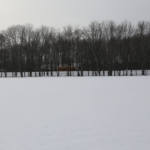
- Empty Scene
-
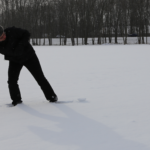
- figure 01
-
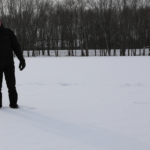
- figure 02
-
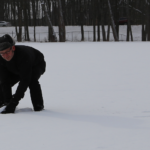
- figure 03
-
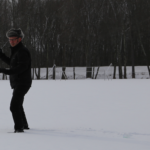
- figure 04
-

- figure 05
Find a Friend
You might need help. Most phones have a timer feature so you can shoot the scene yourself as I have. Getting help is a better idea. If your camera is not the best, use someone elses!
All photographs must be yours. Find environments with good light and depth to contain five versions of a person. Shoot a few and choose the best one.
Take an interesting photograph in the Keene area. Photoshop five or more images yourself (or a friend) into the photograph to create a believable scene where some of the figures are interacting. These interactions may be “normal” or bizarre or a combination of both. The figures should can be photographed in the same scene or a different scene with comparable light. The resulting montages should be dynamically framed with a sense of visual interest with combined or individual activities.
-
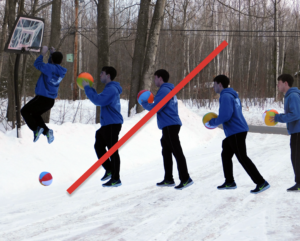
- Not a sequence
-
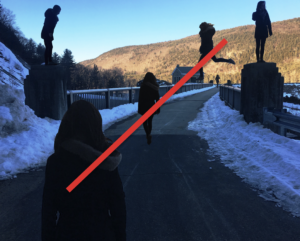
- Too dark
-
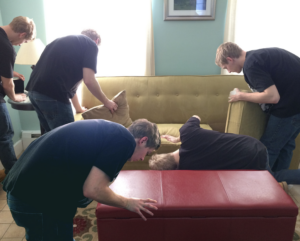
- More like this
Goals of this project:
- To further develop your photoshop compositing skills
- To further develop an understanding of image resolution
- To shoot a well-composed, dynamic photograph of a scene
- To create a situation which is both believable and incongruous
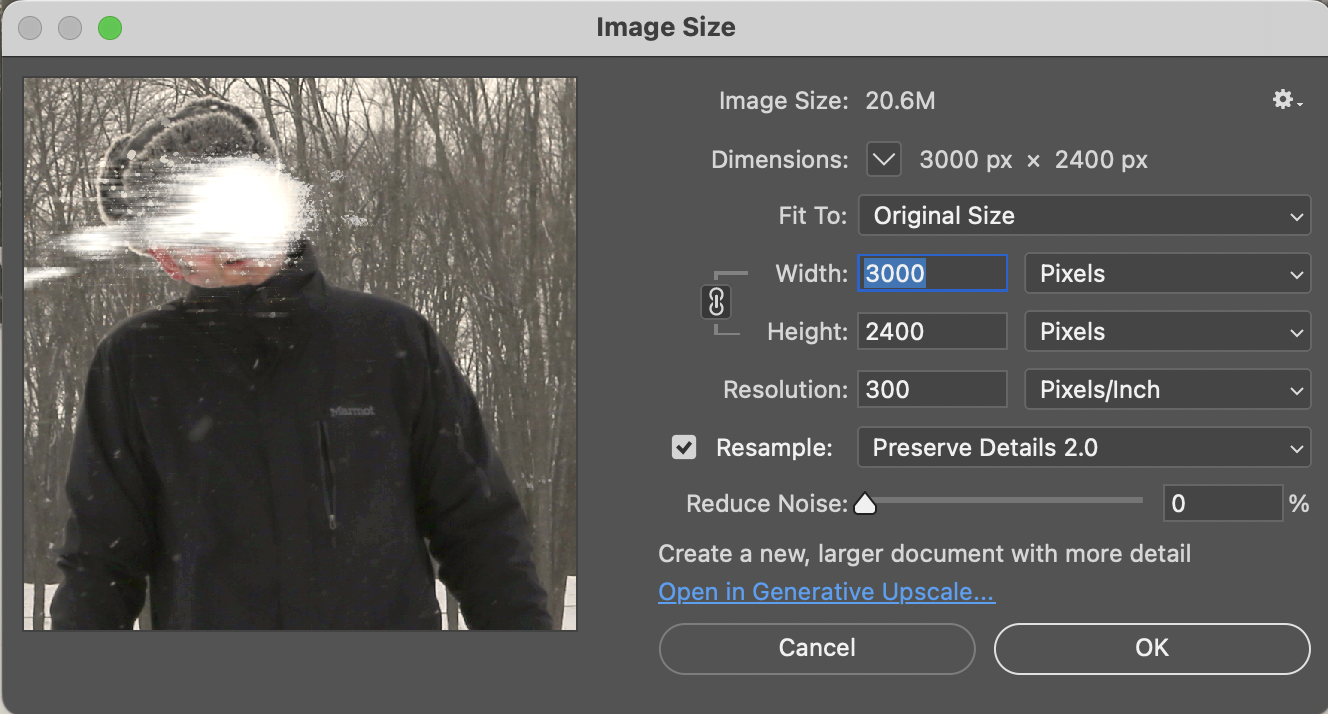
Specifications
Dimensions: 8″ x 10″ — 3000 x 2400px — HORIZONTAL
PPI: 300
Color: Full Color
Orientation: Horizontal
Template
(build your image in this):
lastname_me-myself_01.psd
Due Tuesday, February 24
Make two folders
Call them “self” and “other”. Put the images of you in “self” and the images of someone else in “other”. Bring to class:
- One rough montage — either you or someone else
- A separate folder with all photos for the other montage ready to assemble in a folder
01
Upload an exported image (1500 x 12oo px) to a POST.
Category: 05 Me Myself and I and Myself and I
02
Upload PSD (not photos) to DropBox Folder: 05 ME, MYSELF & I (and Myself and I)
Due Thursday, February 26
01
All Three Group Photos in one post.
Category: 04.1 Group Photo
02
Me Myself and I Compositions
- Both Montages in progress
- Images uploaded to DropBox
Folder: 05 ME, MYSELF & I (and Myself and I) - Images in a Post. Use a gallery.
Category: 05 Me, Myself and I