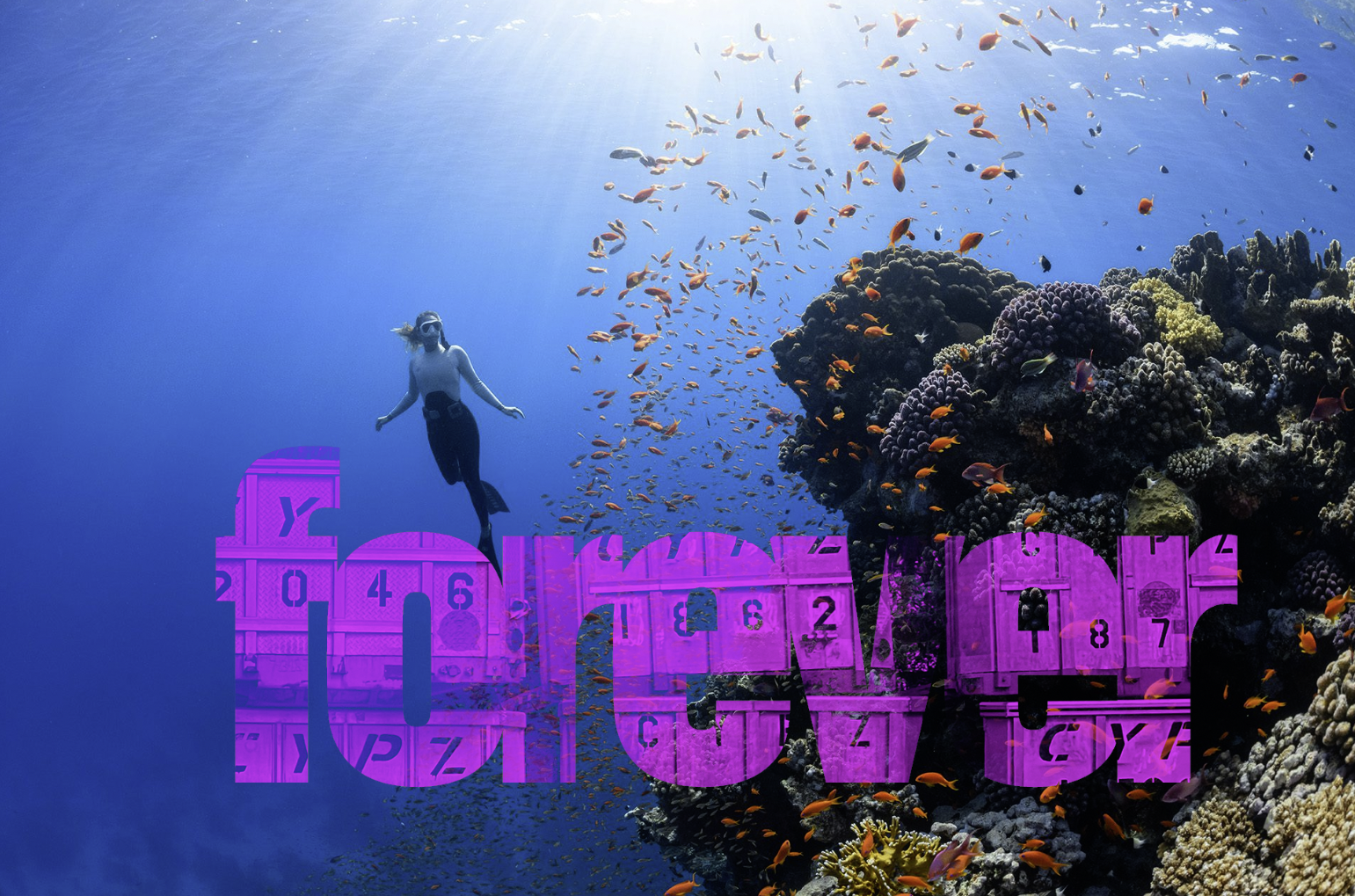
Example from Class
Create six word/image compositions in PhotoShop on a specific image. Three of the compositions are textured words on images. Three of the compositions are images inside words. Think about how to create a meaningful statement with your image and texture pairings.

01
Image in Word
Create 3 compositions using images inside words. Choose two words, one for each comp. In each of these two comps select two images about the topic that resonate or contrast with each other. Put one image inside the word and use one as a full background for the composition. You may edit or treat the images as appropriate.

02
Textured Word
Create 3 compositions using textured words on an image. Find a signature or metaphoric image for your topic. Select a word to comment on it. Find a texture related to that topic (clouds, water, asphalt, grass, space, etc.). Put the texture inside the word and place it within the image to create a dynamic composition.
Examples
-

- drug abuse
-

- meme

-

- Water conservation
-

- air conditioner
-

- covide bracelets
-

- woord
-

- floor grate
-

- splatter


-

- appliance vent
Criteria for Evaluation
Image quality — are they sufficient contrast? Focus and color?
High enough quality to print — 2000 x 3000 pixels
Image combinations — do the choice of images compliment each other in a meaningful way?
Message / Concept — does it make me think? Am I delighted?
Dimensions & Template
3000 x 1701 pixels
10″ x 5.67″
Template: lastname_word-image_01.psd
Quick Textured Type Tutorial


Tutorials
Use these Typefaces
Avoid Goofy ones (for now please)
Use strong bold typefaces for this project to show images and textures effectively.
While Adobe has the best collection of typefaces, you have to have a paid subscription to access them. Google also has a library of type that is available for free usage in addition to sites such as Da Font that also provide free fonts for download. The quality of these typefaces vary considerably. Futura on Da Font and Futura on Adobe Fonts are not equal — the Adobe version is vastly superior witrh better drawings and more weights & styles.
The fonts below must be downloaded and loaded into the computer manually.
Loading Fonts on the Mac
Due Tuesday, April 21
- Two Textured compositions (out of 3)
- Two Image inside Word compositions (out of 3)
Dropbox folder: 11 WORD IMAGE
Due Thursday, April 23
All six complete comps as .jpgs in a “final” folder inside a “11 WORD IMAGE” folder on DropBox.
- All Three Textured compositions (out of 3)
- All Three Image inside Word compositions (out of 3)
- Print: Best two of each printed on 11 x 17 and ready to hang