- Â
å December 2015
í Final Digital Archive of All Projects
Prepare an organized dossier of project files and post them to your personal DropBox folder.
1
Clear your DropBox folder of all extraneous files.
2
Create a folder named the following:
lastname_firstname_GD_Fall2015_FINAL
3
Post numbered PDFs of all projects:
- 02_last_first_tools.pdf (all of them)
- 03_last_first_twoletters.pdf (all of them)
- 04_last_first_kerning.pdf (all of them)
- 05_last_first_expressive_words.pdf (all of them)
- 06_last_first_bw_translations.pdf (all of them)
- 07_last_first_color_translations.pdf (all of them)
- 08A_last_first_framing.pdf, 08B_last_first_framing.pdf, Etc.
- 09_last_first_weather_report.pdf (all of them)
- 10_last_first_designer_booklet.pdf
- A folder named “11_last_first_animation” with your 6 animated .gif icons
- 12_last_first_processbook.pdf
Due by the beginning of the Final Exam.
B Designer Booklet Printing
Red ball Instructions:
1. Write a brief salutation saying hi to Dana and asking him to print your file (please)…
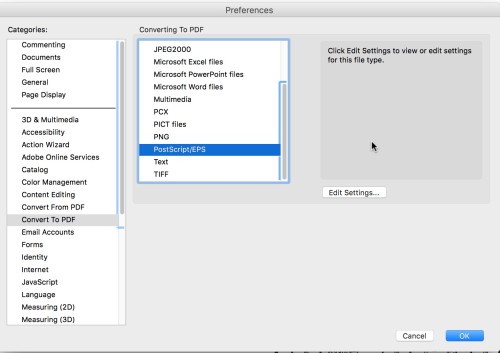
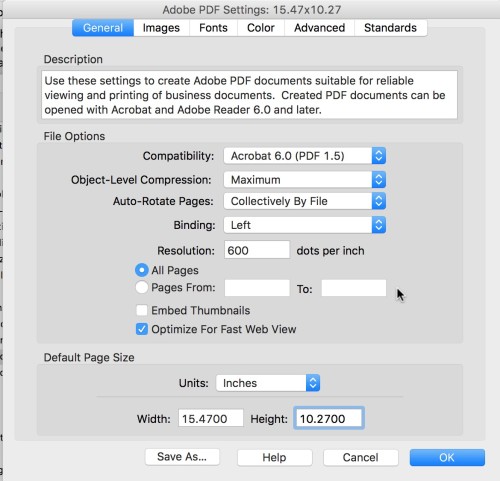
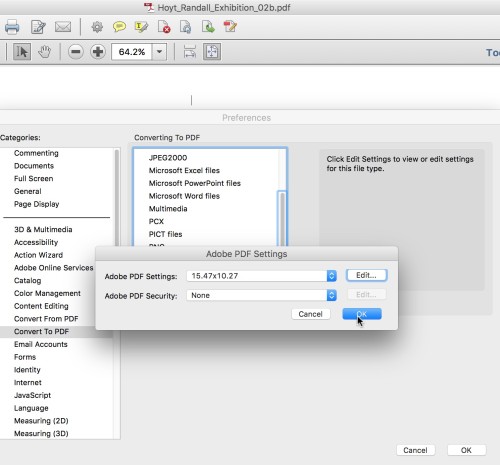
Acrobat Settings:
í Designer Book Self Evaluation
Read and critique a classmates Designer Booklet using the following criteria.
- Read the entire text: Does it make sense? Are the parts put together well? Mark and spelling or grammatical errors.
- Cover: How does the cover introduce the internal material. Is it a fitting introduction? Does it align with the internal grid? Make suggestions and mark it up.
- Title Page: Does the first spread contain the title of the exhibition? Is is a dramatic and appropriate introduction? How does it set up the typographic system (headers, columns, grid)?
- Internal pages: How does the panelist information function? Is it clear?
- Work section: How is work arranged? Are the captions correct and appropriate? Does the grid work across all sections?
- Gallery: Is there gallery information in the booklet? Is it clear with all contact information?
- Flow of overall book: How do the grid and page elements build across the booklet?
- End: Does the book end gracefully or abruptly? Does the back cover reflect the cover design?
Mark the books up and discuss.
B Final Schedule
Monday, December 7
Complete Process Book PDF posted to class folder on DropBox
Must have at least three different cover concepts (not versions) with interstitial pages for each
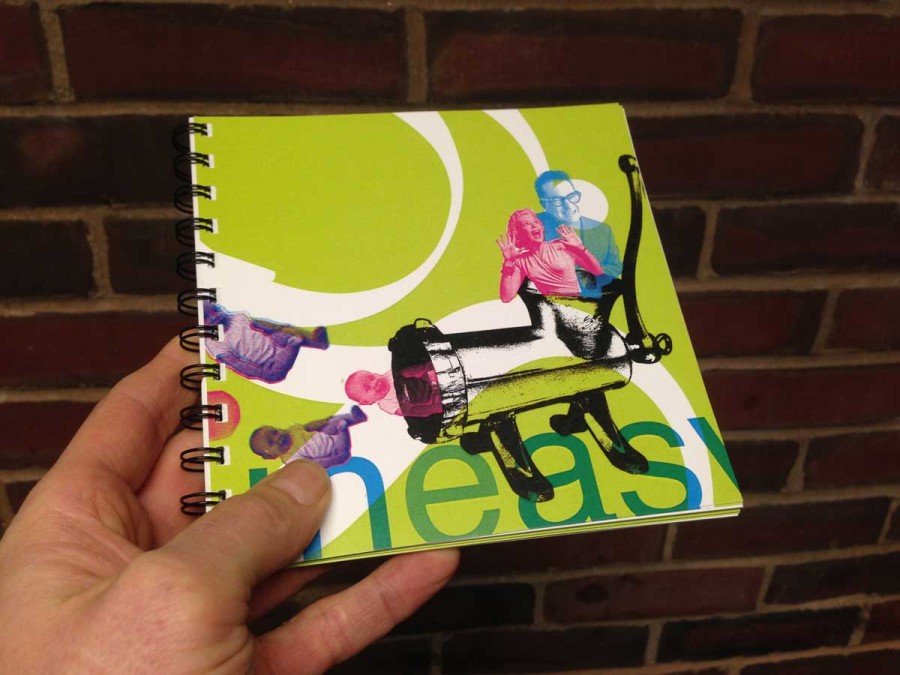
Designer Booklet preferably printed in color, trimmed and taped neatly
Wiro Binding Workshop in Class
Wednesday, December 9
Three Process Book Covers + Interstitial page samples printed and trimmed.
Pre-crit of Designer Booklet exported with imposed pages for stapling. Must be printed in color and stapled by the start of class.
Wednesday, December 16 / Final Exam Day
Two copies of the Final version of Designer Booklet exported with imposed pages for stapling. Must be printed in color and stapled by the start of class.
Two copies of the final printed, trimmed and wire bound process book
Optimized PDF of all project files posted to DropBox in your folder. Must be accounted for or no grade will be assigned. More information soon.
-
Classroom
-


Leave a Reply
You must be logged in to post a comment.